
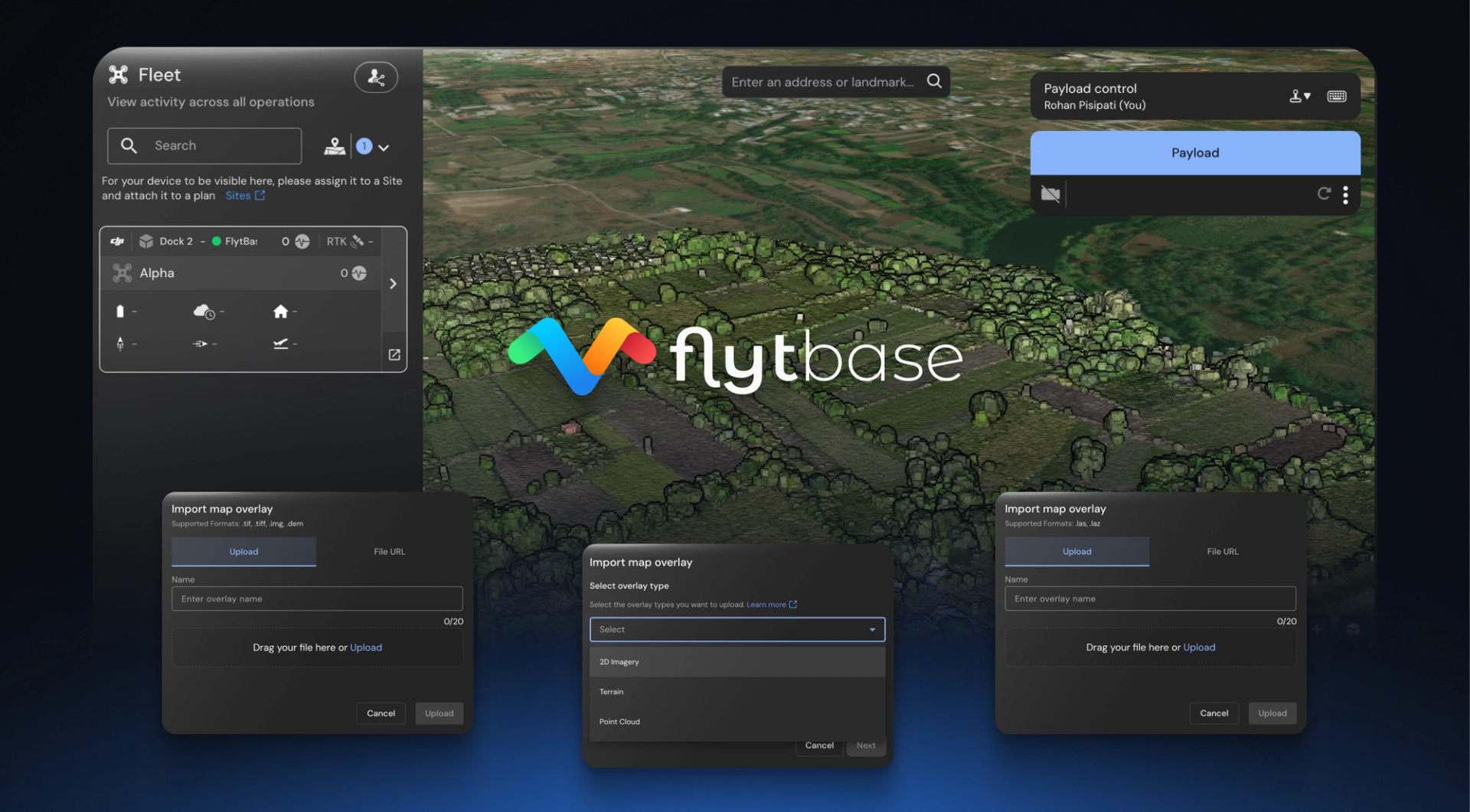
For enterprises operating drones beyond visual line of sight (BVLOS), accurate terrain understanding is critical for safety and efficiency. Traditional 2D maps often fall short when pilots cannot visually assess terrain conditions, potentially compromising both operational safety and data quality.
FlytBase's new Point Cloud and Elevation Map Overlays address this challenge by bringing advanced 3D terrain visualization to BVLOS drone mission planning and execution, enabling centimeter-level accuracy and comprehensive terrain awareness.
Point Cloud and Elevation Map Overlays provide 3D terrain visualization for BVLOS drone operations, delivering centimeter-level accuracy and comprehensive terrain understanding when pilots cannot see the drone directly.
What is the Difference Between DTM, DSM, and Point Clouds
Understanding these mapping concepts is essential for effective BVLOS operations:
Digital Terrain Models (DTM)
Represents bare ground surface without vegetation, buildings, or structures.
Best for BVLOS operations:
- Safe altitude planning and flight path optimization
- Flood analysis for emergency response missions
- Infrastructure corridor mapping for utility inspections
- Baseline terrain analysis for construction projects
Digital Surface Models (DSM)
Includes all surface features like buildings, vegetation, and power lines at actual heights.
Critical for autonomous drones:
- Urban obstacle avoidance and building height data
- Vegetation canopy analysis for agricultural operations
- Line-of-sight calculations for communication towers
- Complete environmental awareness for safe navigation
Point Clouds
Millions of precise 3D coordinate points (X, Y, Z) with centimeter-level accuracy.
Generated through:
- LiDAR sensors: Direct laser measurement using professional LiDAR systems
- Photogrammetry: Processing overlapping aerial images with advanced algorithms
- Hybrid methods: Combining multiple data sources for comprehensive coverage
| Feature | DTM | DSM | Point Cloud |
|---|---|---|---|
| Shows Ground | ✅ Only ground | ✅ Ground + objects | ✅ All classified points |
| Shows Obstacles | ❌ Removed | ✅ Full height | ✅ Detailed structure |
| Accuracy | Sub-meter | Sub-meter | Centimeter-level |
| Best Use | Flood modeling | Obstacle avoidance | Detailed analysis |
Which File Formats Does FlytBase Support
FlytBase supports comprehensive terrain data formats for professional BVLOS operations, expanding beyond traditional drone-in-a-box capabilities:
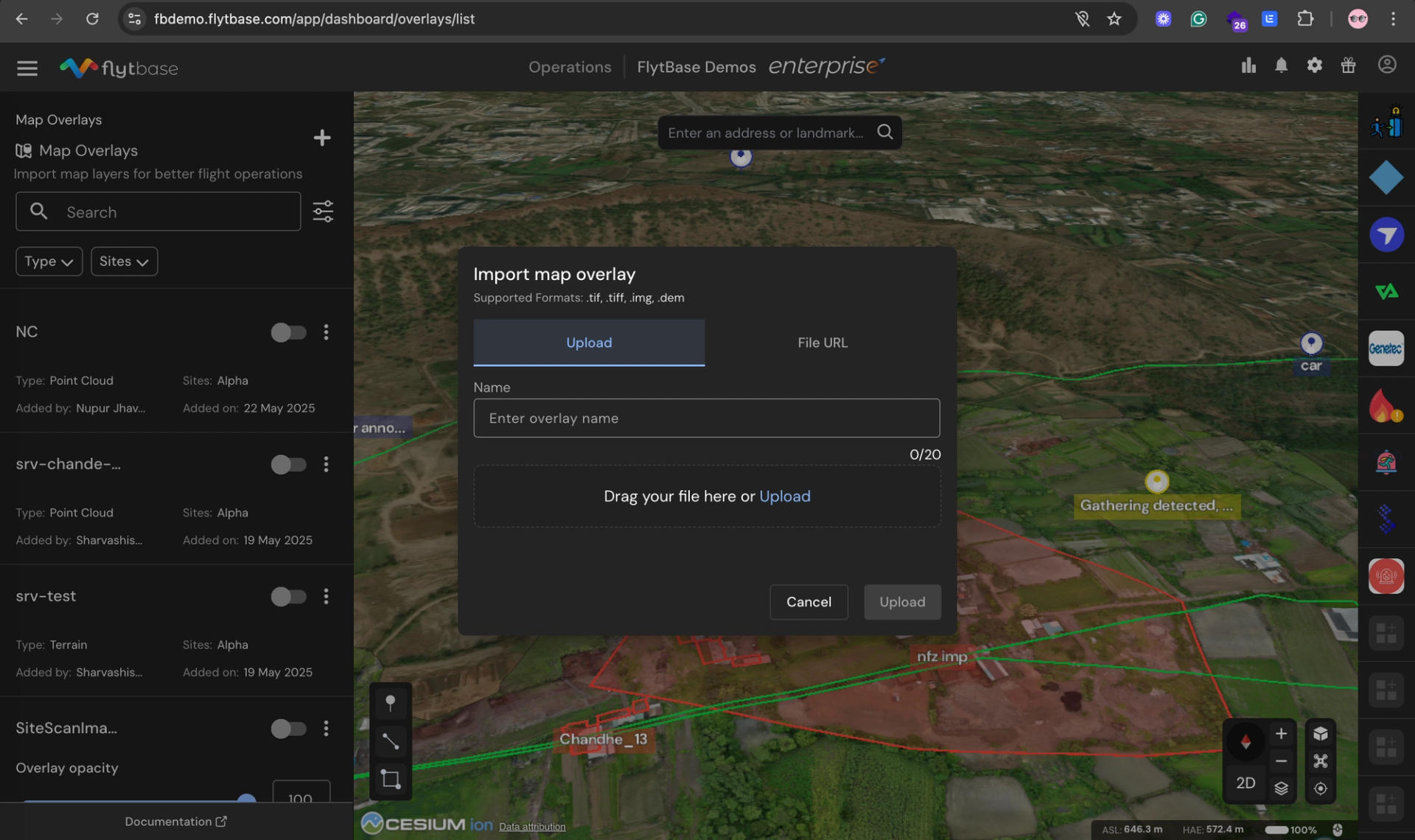
Point Cloud Formats
LAS (.las) Files
- Industry standard for high-precision 3D point clouds
- Typical accuracy: Centimeter-level precision
- Best for: Professional LiDAR survey data
- File sizes: 50MB - 2GB per square kilometer
LAZ (.laz) Files
- Compressed LAS format with no quality loss
- File size reduction: Up to 80% smaller
- Best for: Large-scale deployments and cloud storage
- Processing: Faster upload and download times
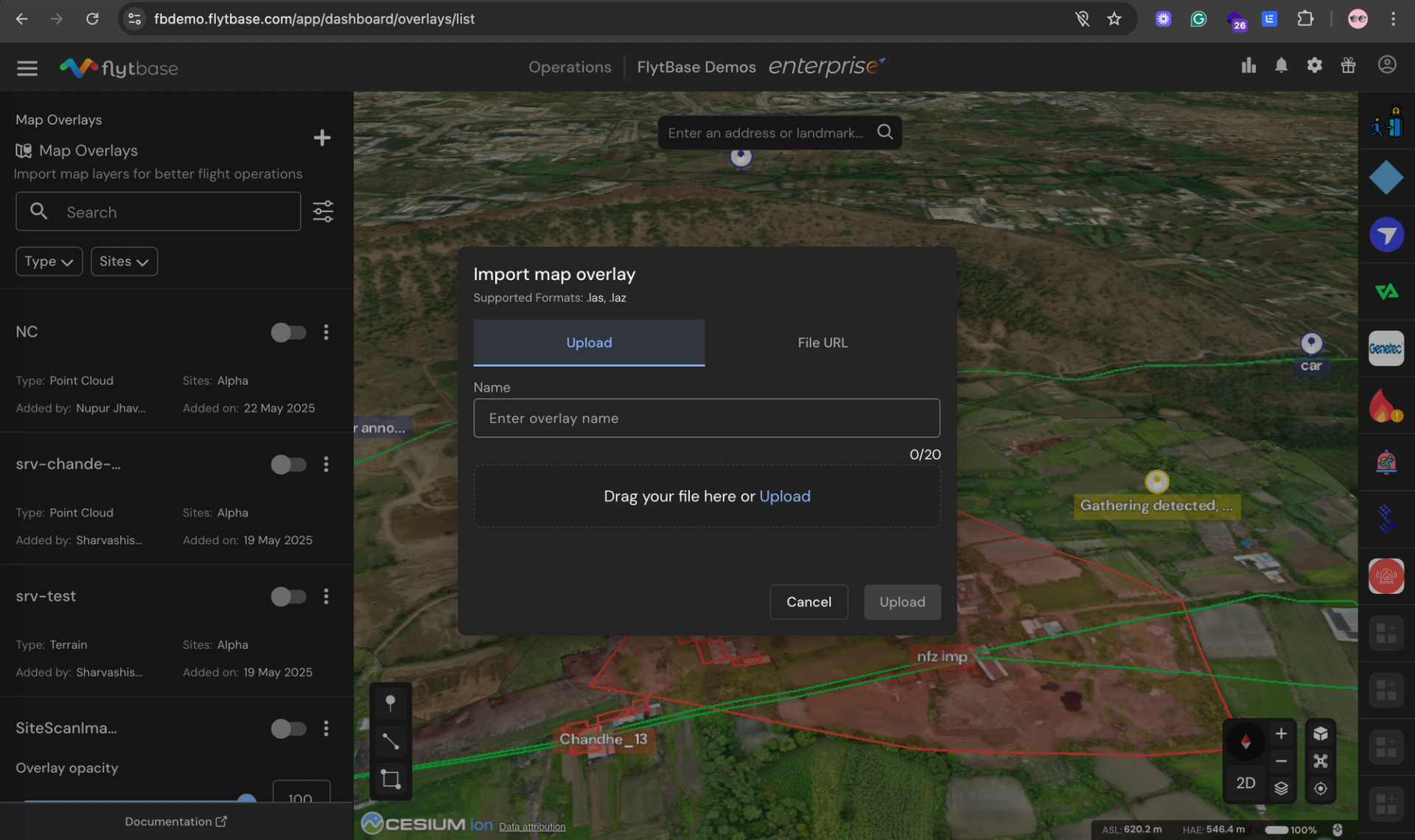
Elevation Map/Terrain Formats
TIFF/GeoTIFF (.tif/.tiff)
- High-resolution, georeferenced imagery
- Supports all major coordinate systems
- Best for: Precision agriculture and construction
- Resolution: Sub-meter to centimeter accuracy
DEM (.dem) Files
- Digital Elevation Models for terrain profiling
- Regular grid format with elevation values
- Best for: Infrastructure planning and analysis
- Applications: Slope calculations and watershed analysis
IMG (.img) Format
- Optimized for large-area datasets
- Efficient handling of regional mapping data
- Best for: Remote sensing workflows
- Compatible with major GIS software
Standard Reference Formats
- PNG/JPG: Visual reference overlays and historical comparisons
- Additional GeoTIFF: Georeferenced maps and orthophotos
Format Guide: Use LAS/LAZ for detailed 3D analysis, TIFF/GeoTIFF for elevation mapping, DEM for terrain profiling, and PNG/JPG for visual reference.
How Do You Add Point Cloud Data to FlytBase
Adding terrain data to FlytBase is designed for drone operators without GIS expertise:
Step-by-Step Implementation Process
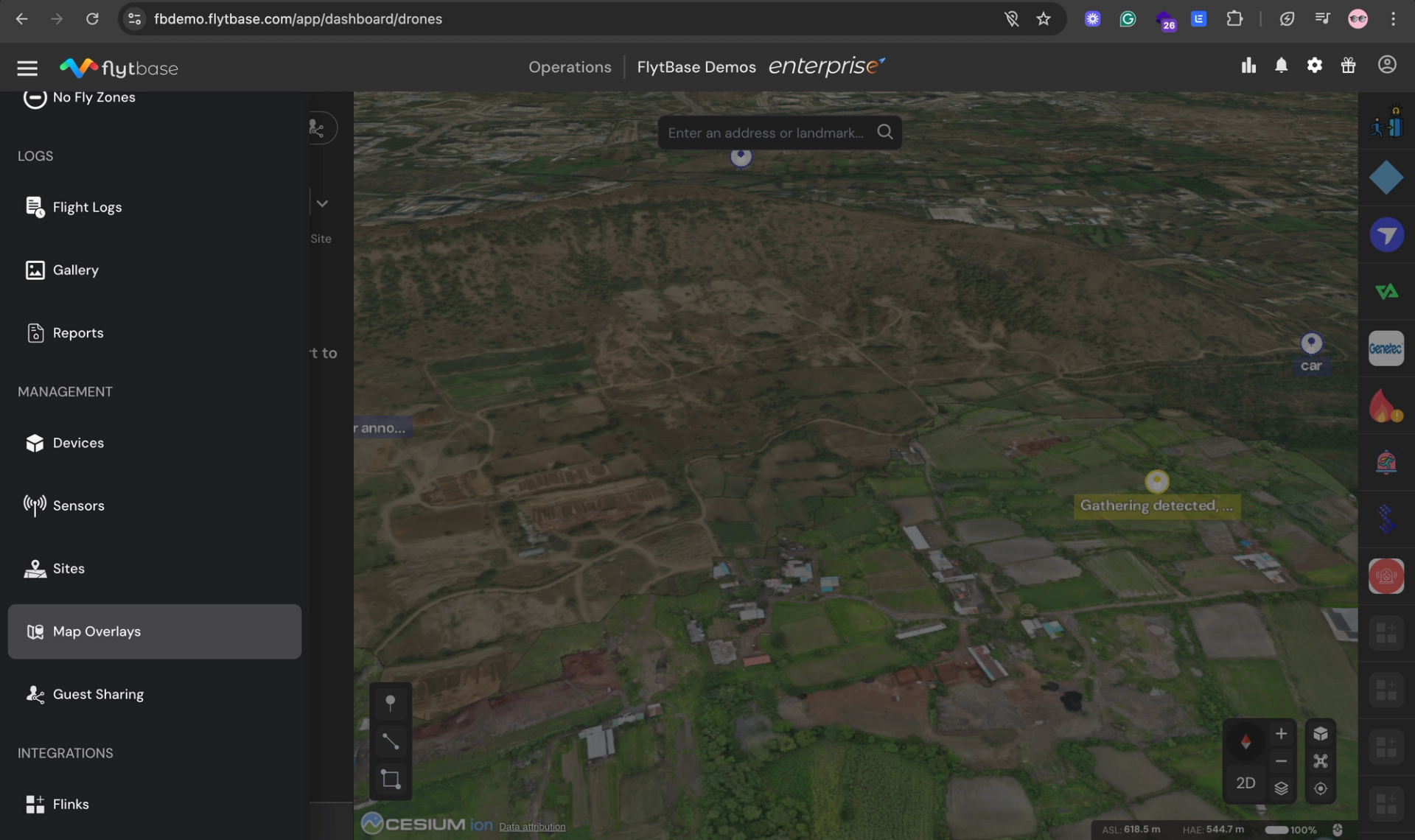
1. Access Map Overlays
- Open FlytBase Dashboard navigation drawer
- Select "Map Overlays" from the feature list
- Access the overlay management interface
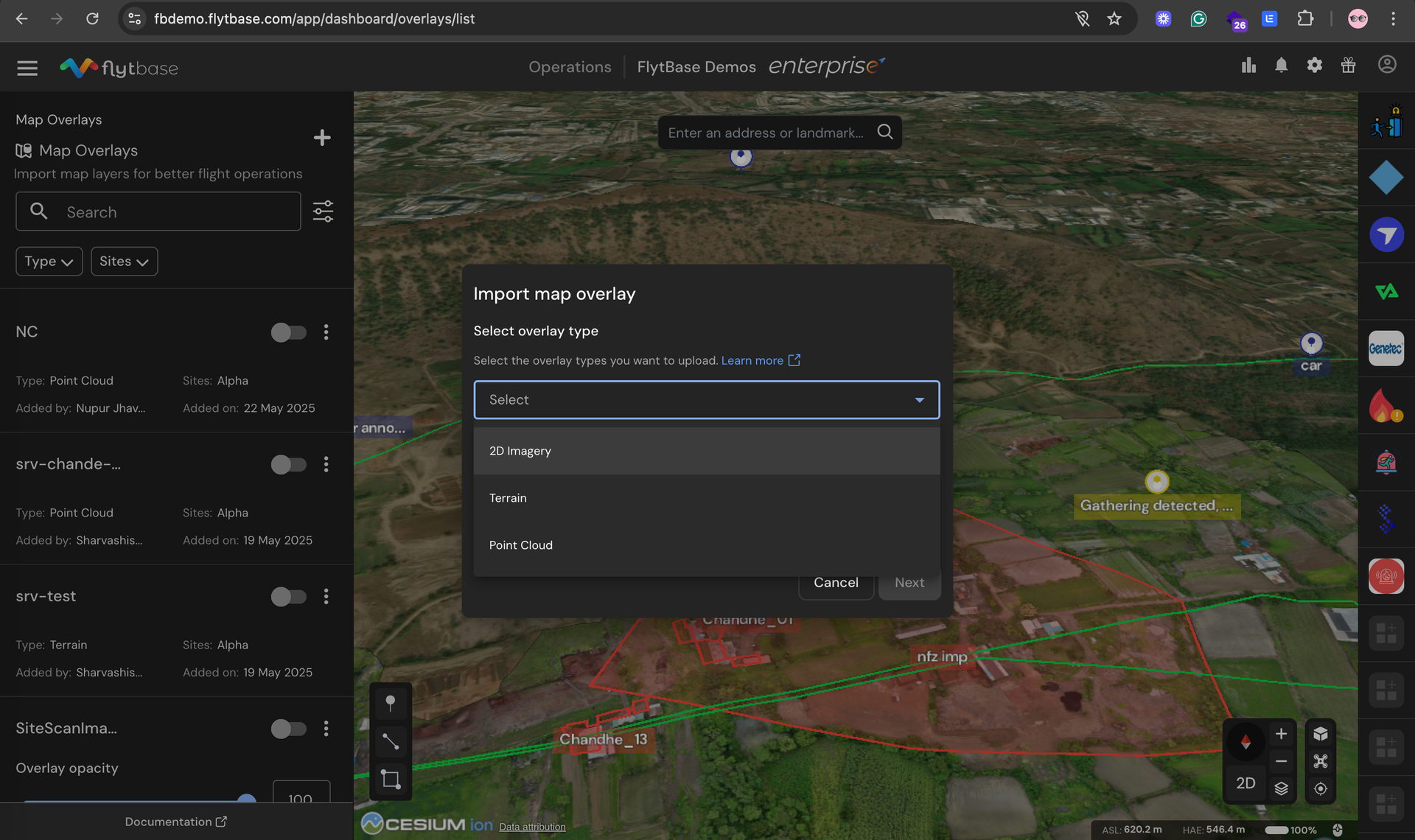
2. Upload New Data
- Click the "+" icon to start import process
- Choose data type: 2D Imagery, Terrain Data, or Point Cloud
- Assign operational sites where overlay will be visible
- Upload files directly or provide downloadable links
- Name your overlay and complete upload
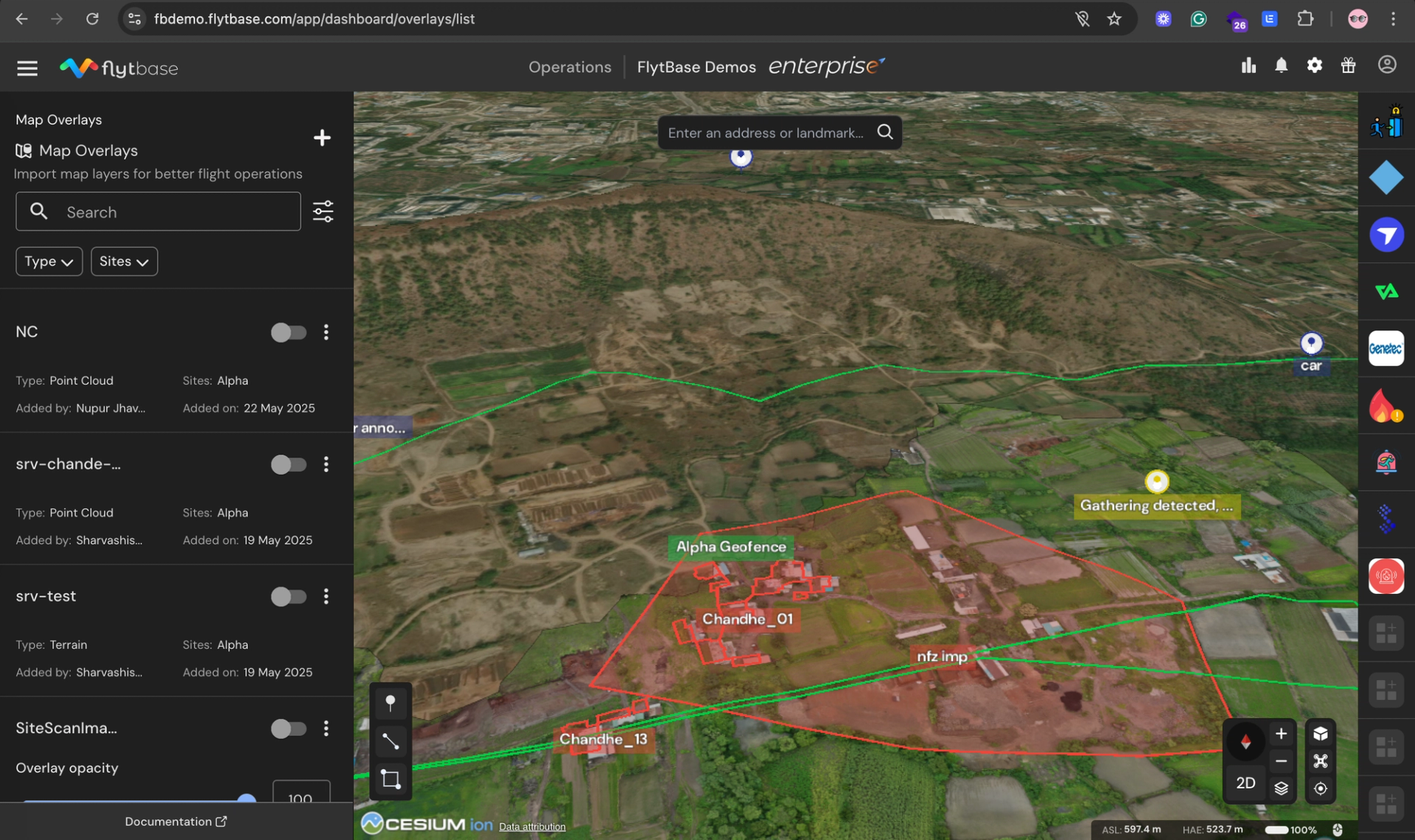
3. Configure Display Settings
- Adjust opacity using the slider (0-100% transparency)
- Toggle overlays on/off for specific missions
- Use search and filtering to organize multiple datasets
- Edit site assignments and descriptions as needed
4. Execute a Flight with GTL
- Open with M enabled
- Select the location where you want to send the drone on the map
- Set altitude margins using AGL based on terrain and obstacle heights
- Click and launch and watch the drone follow a safe mission path adapting to the terrain and obstacles
User will also be able to plan mission in 3D with advanced terrain visualization (coming soon).
Processing and Access Times
- Upload processing: 5-10 minutes for most datasets
- Visualization ready: Immediate after processing
- Team access: Instant sharing across authorized users
- File size support: Up to 10GB with LAZ compression
What Industries Benefit Most from Point Cloud Mapping
Point Cloud and Elevation Map Overlays deliver measurable results across multiple sectors:
Construction & Mining
Applications:
- Stockpile volume calculations with 99 %+ accuracy
- Progress tracking through automated change detection
- Cut/fill analysis for excavation planning optimization
Energy & Utilities
Applications:
- Solar farm optimization using DTM for panel placement
- Transmission line planning with terrain-aware flight paths
- Wind turbine site assessment for maximum efficiency
Agriculture
Applications:
- Field drainage optimization for erosion control
- Precision irrigation design using detailed topography
- Crop health monitoring combined with elevation data
Public Safety & Emergency Response
Applications:
- Disaster area mapping with accurate 3D visualization
- Search and rescue planning with terrain awareness
- Flood modeling for evacuation route planning
Getting Started: Quick Implementation Guide
Successfully implementing point cloud and terrain mapping requires systematic planning:
Phase 1: Preparation (Week 1)
Data Assessment:
- Inventory existing terrain data and identify gaps
- Evaluate current drone equipment compatibility
- Assess team training needs and skill levels
- Define success metrics and ROI expectations
Data Source Options:
- Government datasets: Free USGS LiDAR data (1-2m accuracy)
- Commercial providers: $2-25 per acre for custom surveys
- In-house collection: Drone-based photogrammetry or LiDAR
Phase 2: Setup and Configuration (Week 2)
FlytBase Implementation:
- Complete your FlytBase onboarding
- Upload and configure terrain data overlays
- Set up site assignments and team access permissions
- Integrate with existing mission planning workflows
Phase 3: Training and Deployment (Week 3)
Team Enablement:
- Complete FlytBase training (4-8 hours typical)
- Execute a pilot project on a representative site
- Validate results against traditional methods
- Refine procedures based on initial outcomes
Success Metrics to Track
- Mission planning time reduction
- Safety incident decreases
- Survey accuracy improvements
- Cost savings achievement
- Team adoption rates
Implementation Timeline: Most organizations achieve full deployment within 3-4 weeks and ROI within 6-12 months.
Transform Your BVLOS Operations Today
Point Cloud and Elevation Map Overlays represent a significant advancement in enterprise BVLOS drone operations. By enabling true 3D terrain visualization, organizations achieve:
- Enhanced safety through comprehensive terrain awareness
- Improved efficiency with faster, more accurate mission planning
- Reduced costs through automated surveying and analysis
- Better decision-making based on precise 3D data
Ready to elevate your BVLOS drone operations with advanced terrain visualization?